Spring Progress Report
Since the start of the year, we’ve been working on making Knoword more customizable for your classroom and more accessible for students around the world. We’ve spent the last few months listening to feedback from teachers and refining the platform to help your assignments run more smoothly.
Let’s see what’s new!
Choose your search focus
When you’re signed in to your Knoword account, you now have more control over the search bar at the top of the page. You can choose whether to search the entire site or just your own content, making it much easier to track down a specific pack or collection you’ve created. To switch focus, click the button at the end of the search bar that says Everything and select My stuff from the dropdown menu.
Assignment preview
You can now display a preview button on the assignment pre-game screen. This allows students to review the terms and clues and jog their memory before the timer starts. This feature is disabled by default, but you can easily enable it for any new or existing assignment by editing your assignment settings.
Assignment post-game message
We’ve also added the ability to include a custom message on the post-game screen once a student completes an assignment. You can configure this in your assignment settings to provide next steps, further instructions, or a simple congratulatory note. When combined with our existing pre-game instructions, you now have the tools to totally customize the presentation and messaging of your assignments from start to finish.
Hebrew translations and RTL support
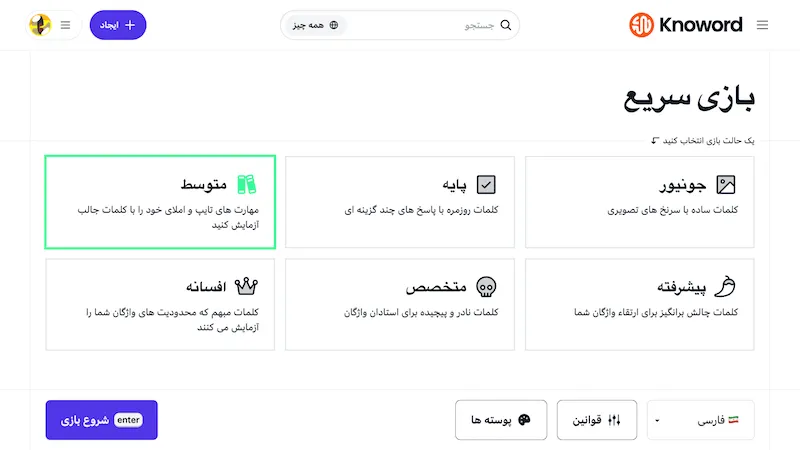
We are excited to bring Hebrew translations to the game UI and global components like the page header and some menus. Along with these translations, we’ve implemented proper right-to-left (RTL) support for languages like Hebrew and Farsi. Previously, while translations were available, the UI remained oriented for left-to-right languages. We drew inspiration from established platforms like YouTube to reorganize our interface so it feels natural and intuitive for readers of RTL languages.
Here’s how the pre-game UI looks with Farsi selected:
Workshop video
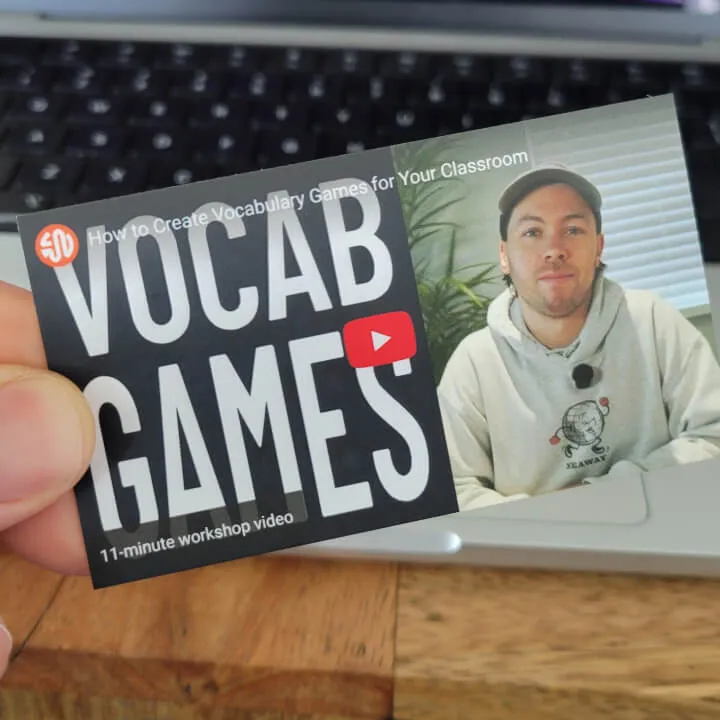
For those looking for a quick refresher or a deep dive into our tools, I recorded a new 11-minute workshop video. It provides a step-by-step guide on how to create packs, assignments, and printable activities in an easy-to-follow format. The video follows the same script and agenda of the in-person workshops I normally present at teaching conferences and professional development days. But now, you can pause, rewind, and replay sections as needed.
Back on the road
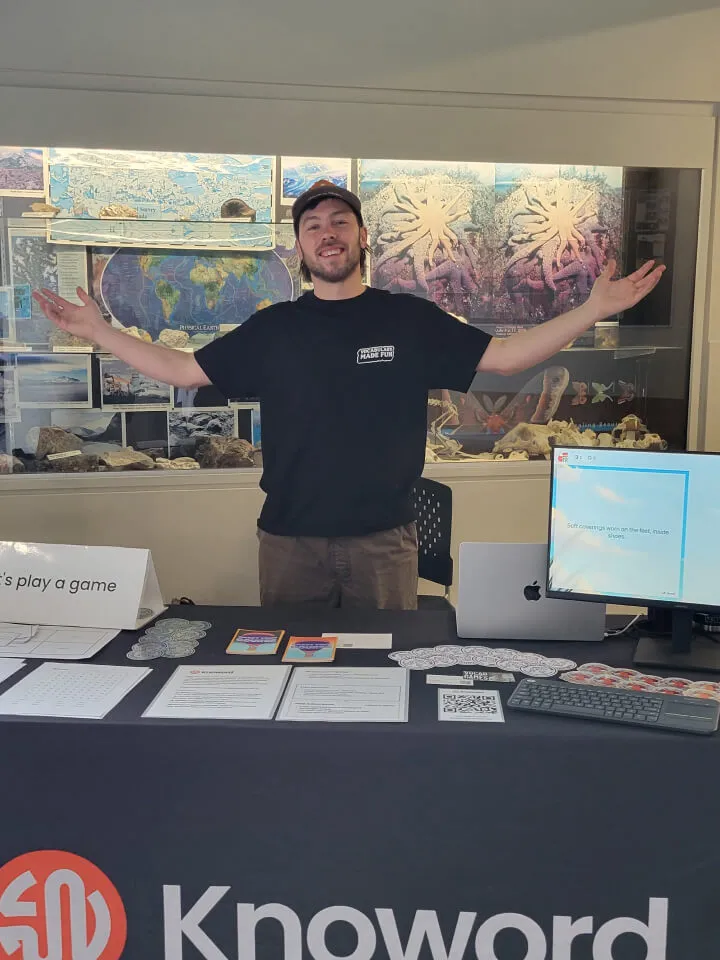
It’s been great to get back out into the community lately. Knoword was recently in attendance for two conferences here in British Columbia: Tapestry 2026 in Langford, which brought together multiple school districts on Vancouver Island, and the CTA PD Day in Coquitlam. It was a pleasure meeting with teachers from the Tri-Cities area and across the island to hear how you’re using games in your classrooms and learn how Knoword can serve you better.
We also introduced a physical companion to the workshop video I mentioned above: business cards styled after the YouTube video player! These were a hit at both conferences. Scanning the QR code on the back takes you directly to the tutorial so you can learn and level up, even if couldn’t make it to my in-person presentation.